Laravel Community Tools by Tighten
Laravel Nova icon Nova Packages
K

kitloom

Installation Instructions

kitloom is a Laravel CMS that runs on a WordPress database. wp_posts, wp_postmeta, wp_options, wp_users, the terms and the plugins' tables stay as they are. A WordPress site moves to Laravel without exporting, importing or rewriting URLs. Kitloom for Nova draws the whole admin in Laravel Nova 5.

Try it first: your own Nova sandbox in one click, no sign-up: https://nova.kitloom.dev/new?utm_source=novapackages&utm_medium=directory&utm_campaign=evergreen

An AI agent runs the site, under your control

kitloom ships an MCP server. Claude, Cursor or your own agent connects to the site's /mcp and does the work. It can write and fix posts, set up SEO and redirects, answer form messages, read the day's orders and sales, and manage bookings, courses and translations. Every module brings tools of its own.

You stay in control. The agent acts as the user whose key it holds, through the same code as the Nova admin. An author's key writes drafts, and a read-only key only reads. Settings that decide who gets in or what code runs on every page are locked. Nothing is deleted for good, every change is in the activity log, and revoking the key stops the agent at once. More: https://kitloom.dev/blog/run-your-site-with-an-ai-agent.html?utm_source=novapackages&utm_medium=directory&utm_campaign=evergreen

Who it is for

  • Teams leaving WordPress who want Laravel for the code but can't afford to lose content, URLs or search rankings.
  • Laravel developers who inherit WordPress sites and are asked for "the same site, but in Laravel".
  • Agencies running Nova who want one admin for client sites with real content features: pages, menus, SEO, forms, a shop.
  • New sites too: php artisan migrate creates the same tables on an empty database.

What stays when a site moves

  • Content: posts, pages, media, revisions, categories, tags, custom taxonomies, comments, menus, widgets.
  • URLs: the permalink settings are read and requests are handled the way WordPress does (rewrite rules, the main query, canonical redirects, the template hierarchy).
  • Users: everyone signs in with the password they already had, because WordPress's password hashes are read as they are. Roles come along.
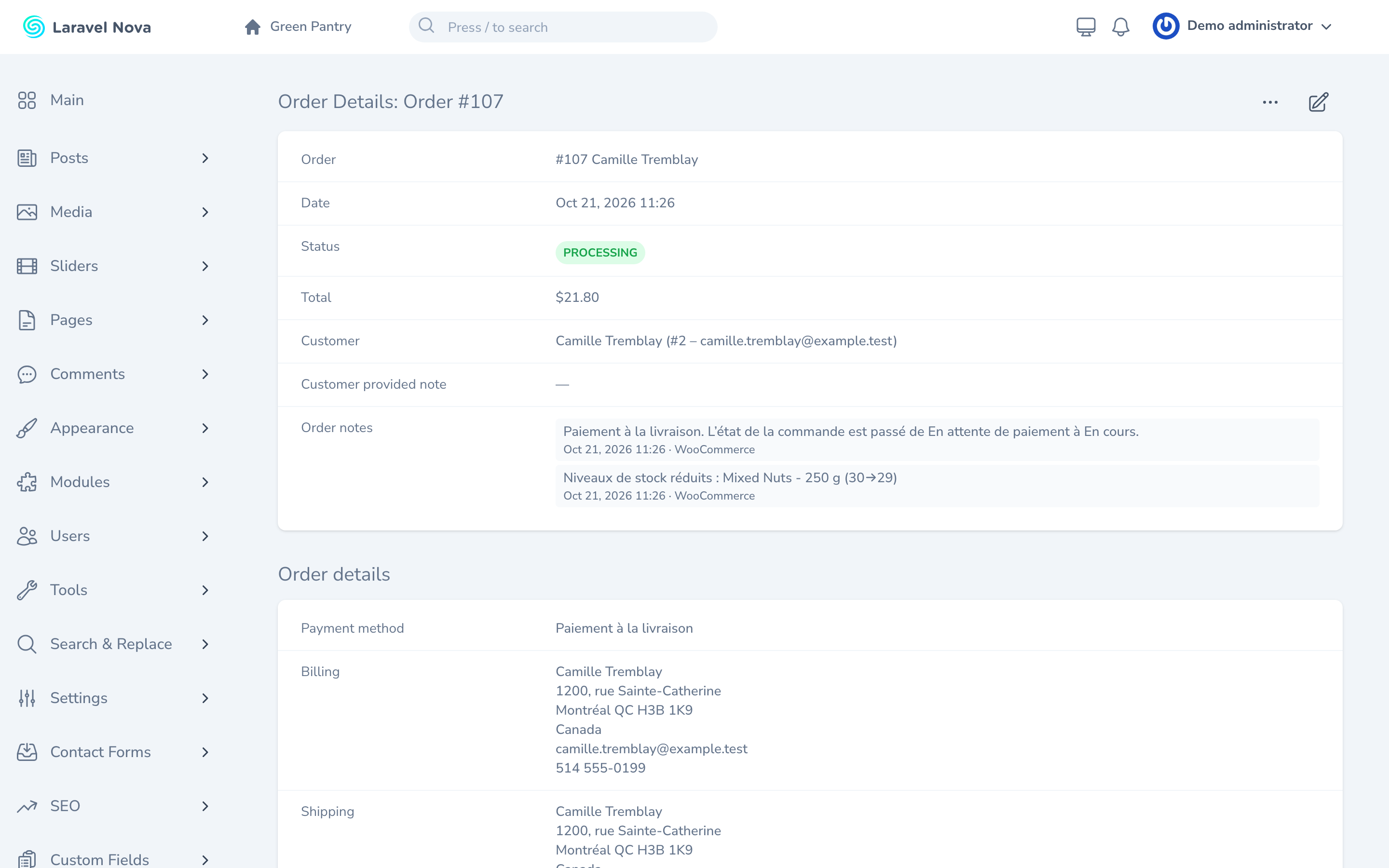
  • Plugin data, read in each plugin's own format: ACF / Secure Custom Fields, Contact Form 7 and Flamingo, WooCommerce (products, variations, HPOS orders), Rank Math (titles, sitemaps, redirects, 404 log), LearnPress courses, Houzez and Listeo listings, Slide Anything, Nextend Social Login.
  • Imported once: Yoast SEO's titles, descriptions and redirects and the Redirection plugin's rules (a button in the admin, or an artisan command), and Polylang or WPML translations (php artisan languages:convert).

What the Nova admin covers

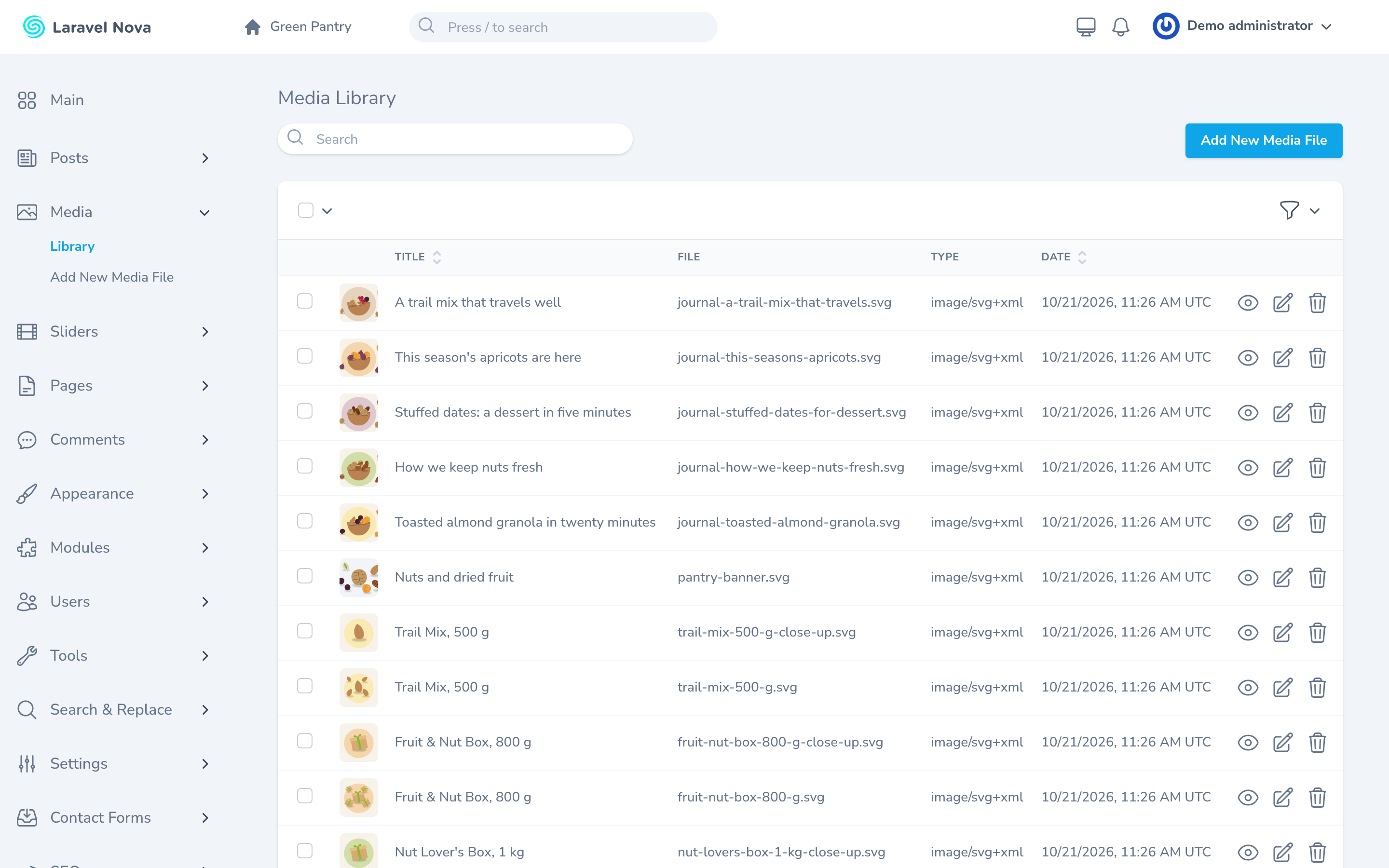
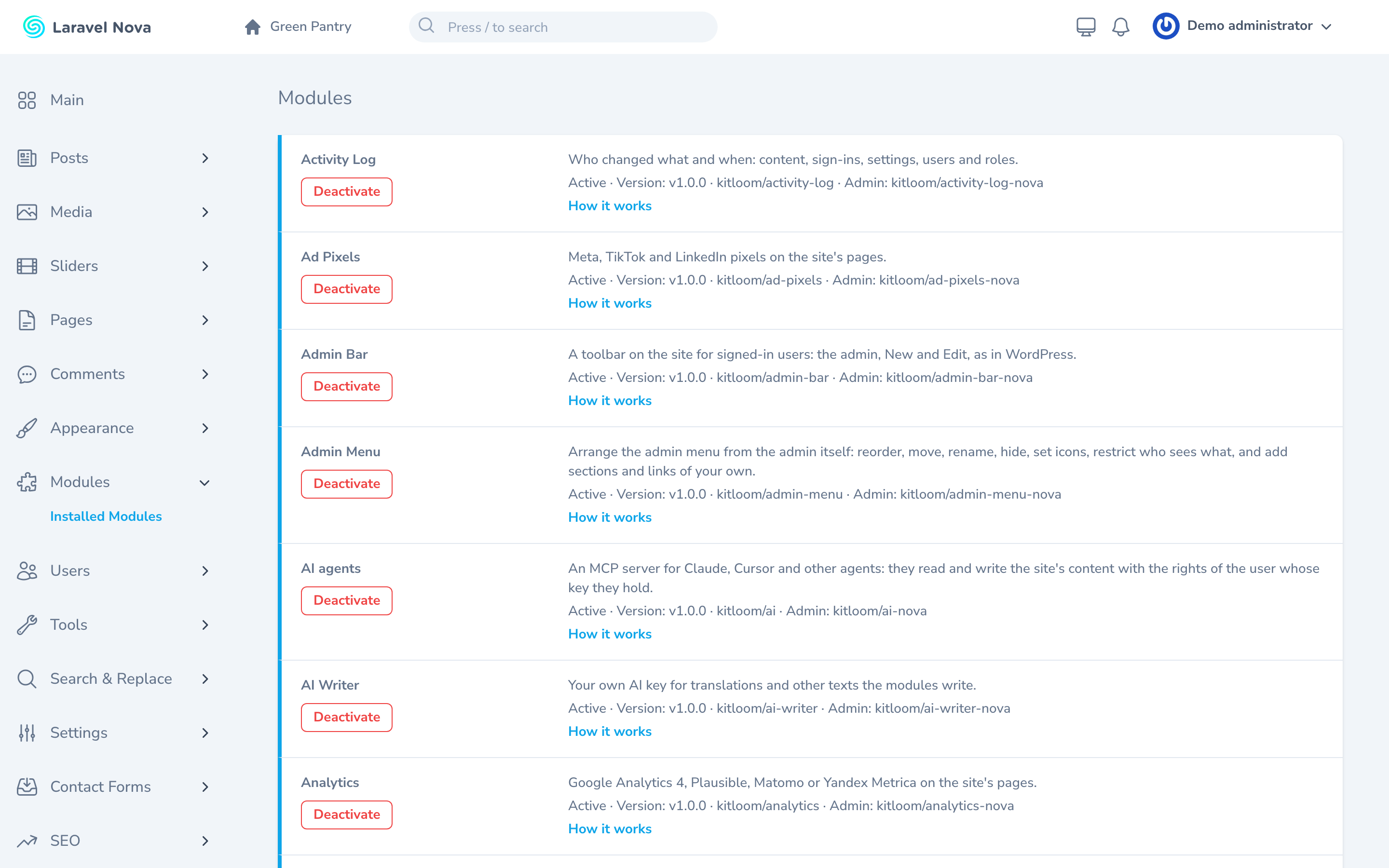
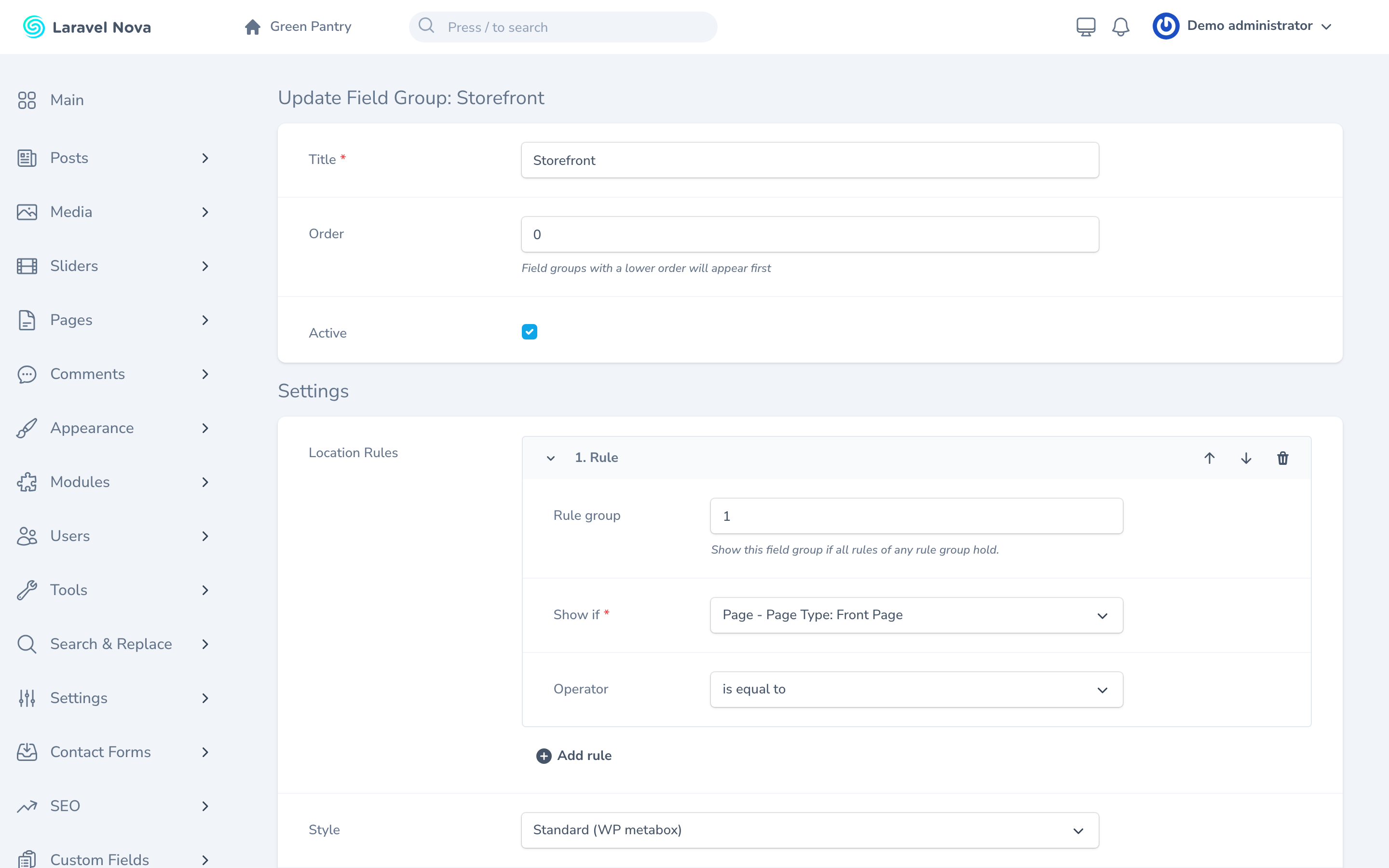
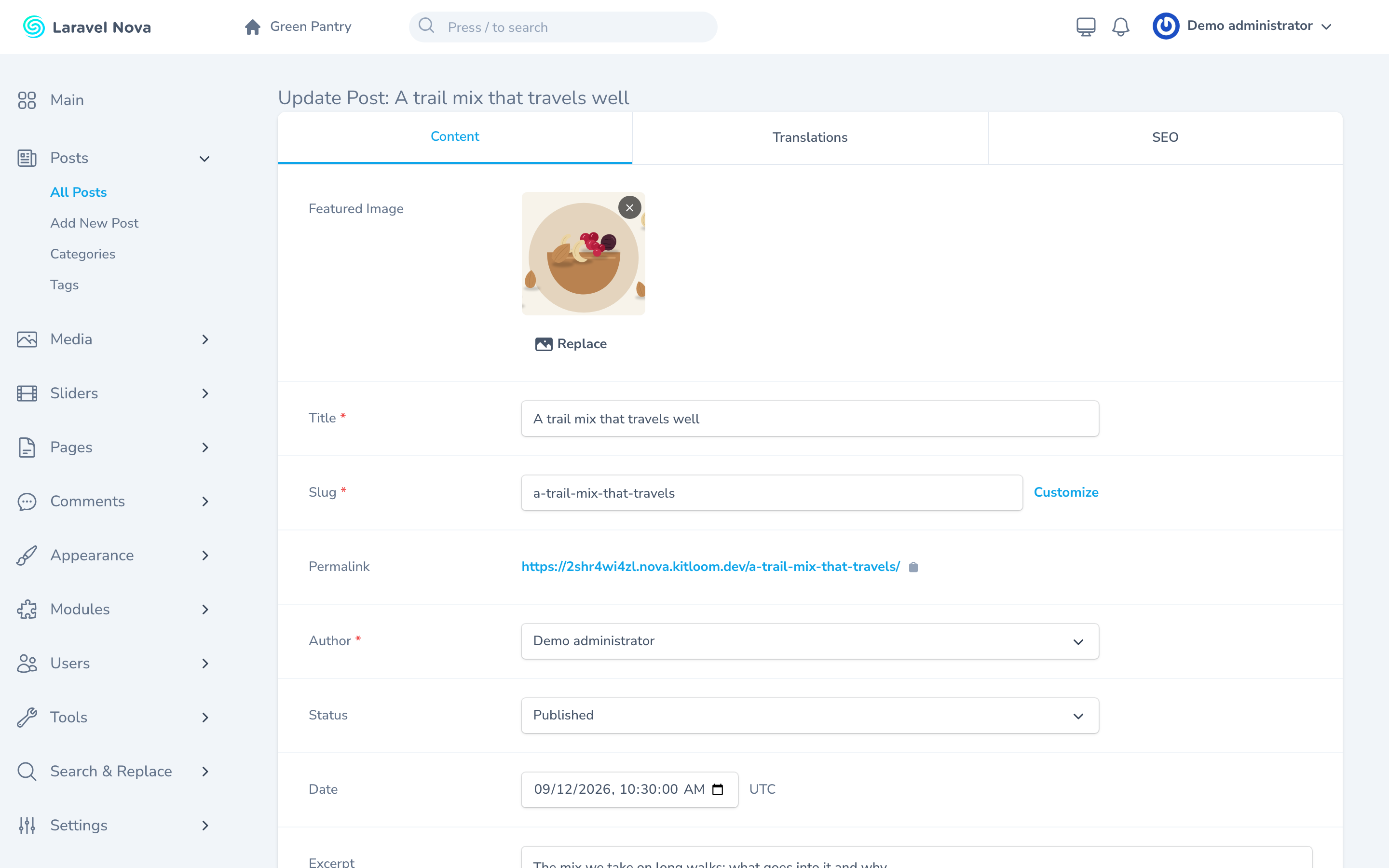
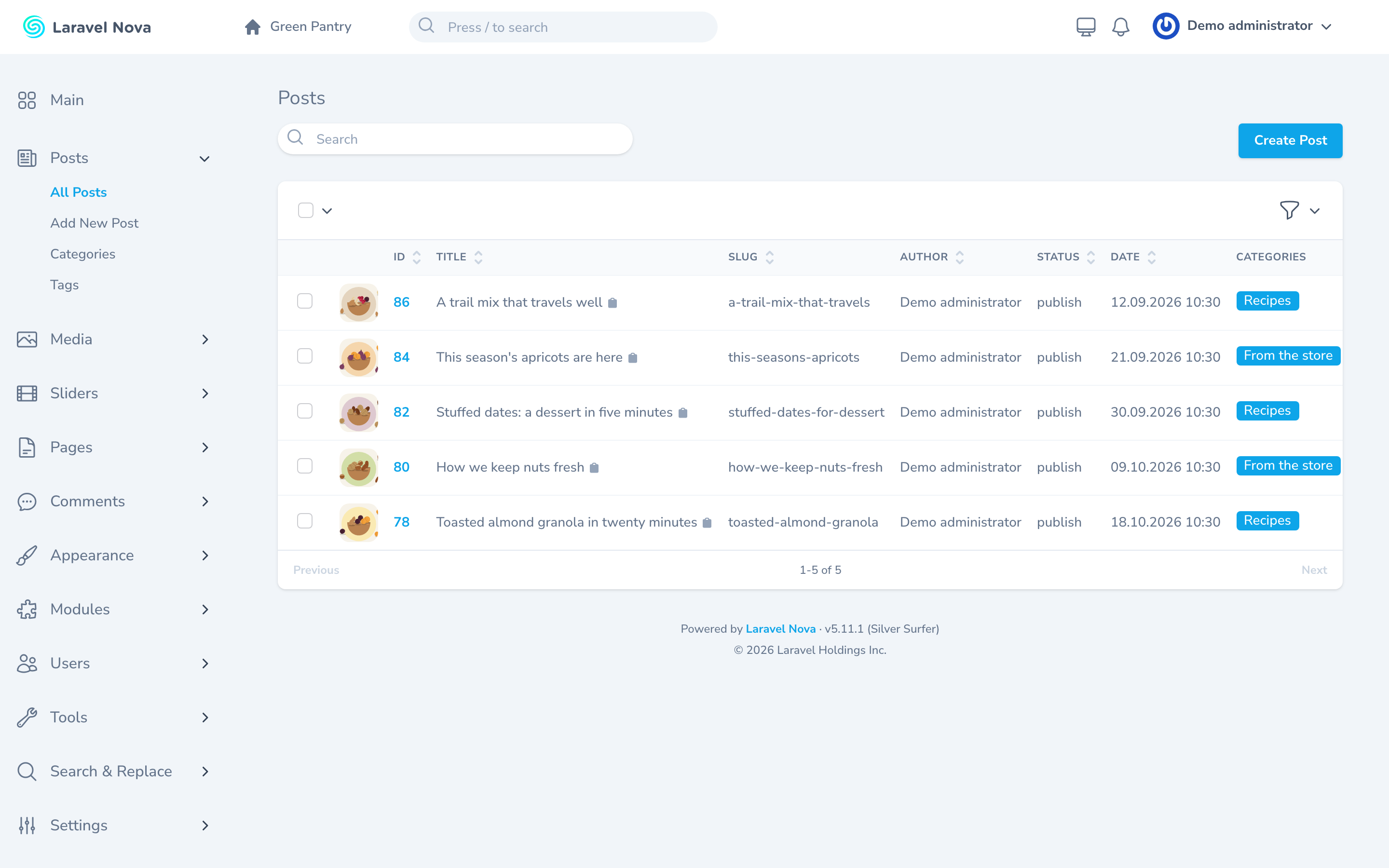
Posts and pages with a visual editor and featured images, the media library, menus and widget areas, custom fields and post types, users, roles and permissions, and every WordPress settings screen (General, Writing, Reading, Media, Permalinks).

On top of that, one module per feature, each a Composer package with its own Nova screens:

  • SEO and marketing: SEO, Redirects and 404 monitor, Internal links, Link checks, Analytics, Tag Manager, Ad pixels, Cookie consent, Header & footer scripts.
  • Content: Custom Fields, Post Types, Forms, Comments, Sliders, Languages (translations with per-language URLs), Import & Export (WXR), Search, Search & Replace.
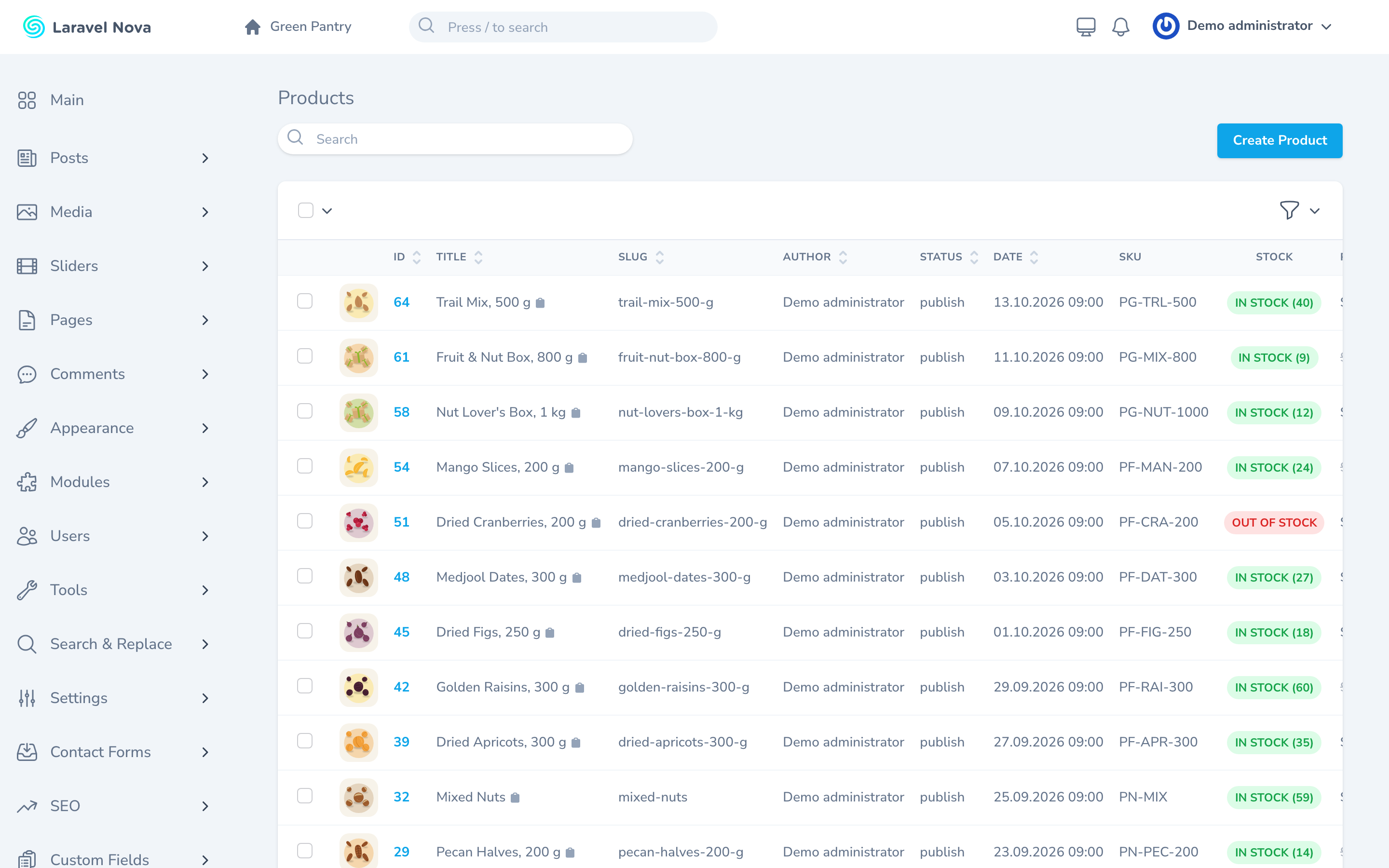
  • Business: Shop, Payments, Bookings, Courses, Listings.
  • Accounts and privacy: Social login, Two-factor authentication, Sign In As (support sees the site as a customer), Privacy (export and erase personal data).
  • Operations: Emails (the site's mail through your SMTP server), Backups, Activity log, Site health, Maintenance mode, Webhooks, Sentry, Horizon, Pulse, Image optimization.
  • AI: the MCP server above, and AI Writer, which adds "with AI" buttons that run on your own provider key, with a monthly budget.

Leave out whatever a site doesn't need. A module is one composer require away.

The front end is yours

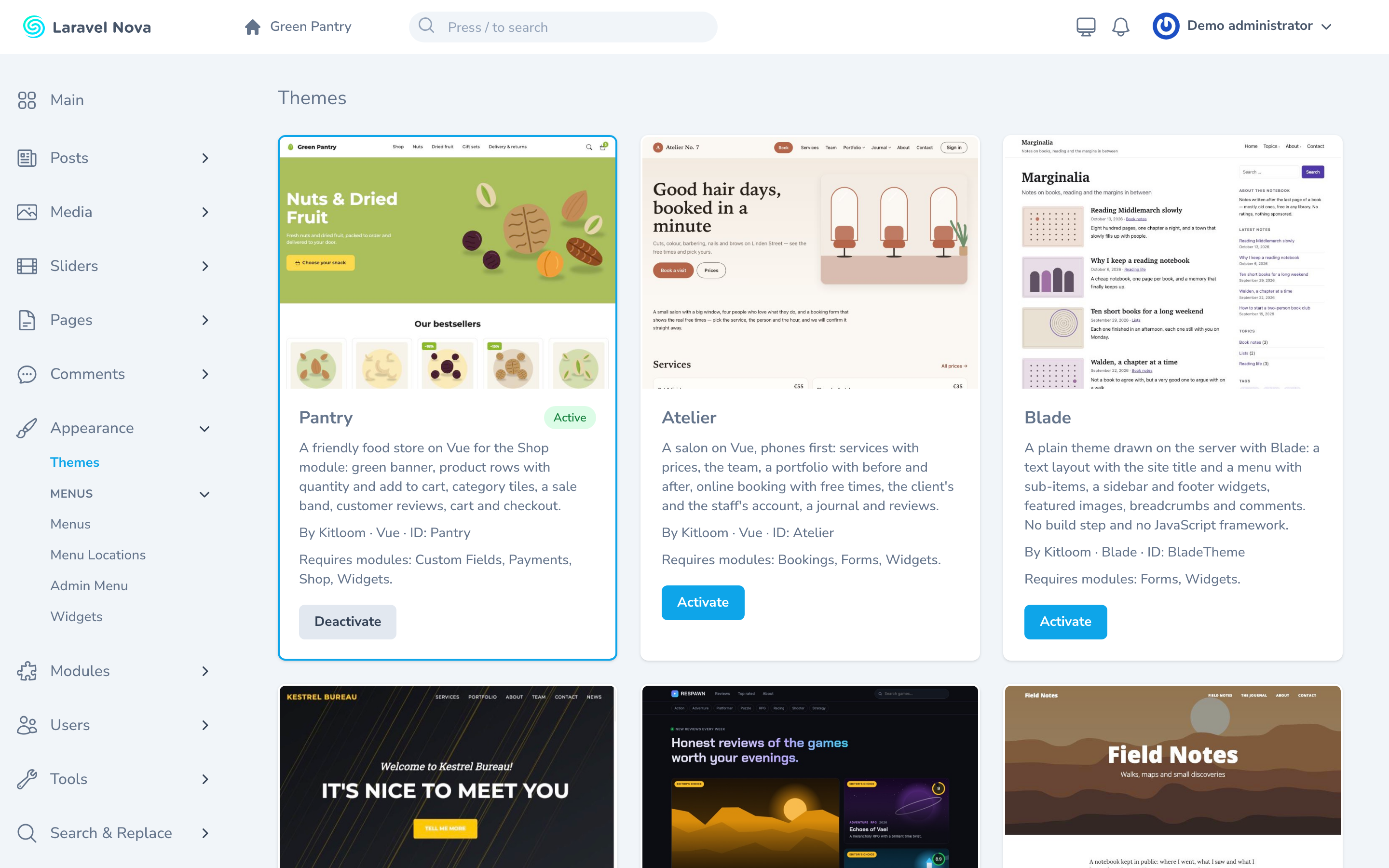
Themes are written in Blade, Vue or React (through Inertia), and the license includes ready ones: a shop, a blog, a portfolio, a salon, a magazine, courses, listings. Or skip themes: every page also answers as JSON, and the REST API speaks wp/v2.

See it on your own data before you buy

kitloom can draw your live WordPress site from a MySQL user with SELECT only. A script then compares both sites page by page (status codes, redirects, titles, canonicals, content). Guide: https://kitloom.dev/docs/migrate-from-wordpress.html?utm_source=novapackages&utm_medium=directory&utm_campaign=evergreen

What it is not

  • It doesn't run WordPress plugins or themes. A plugin's data comes along when a module exists for it.
  • There's no Gutenberg. Existing blocks are rendered, and new content is written in a visual editor.
  • The move is one-way: WordPress doesn't read the database back afterwards.

Installation

Requires PHP 8.4+, Laravel 13, Nova 5 (your own license) and MySQL/MariaDB or SQLite. The packages come from https://packages.kitloom.dev, using the access sent after purchase.

A new site (recommended):

composer create-project kitloom/nova-skeleton my-site --repository=https://packages.kitloom.dev --add-repository

The installer asks which modules and which theme the site keeps, then runs the migrations. The admin is at /nova.

On an existing WordPress database: point DB_* in .env at it, set DB_PREFIX to the $table_prefix from wp-config.php (usually wp_), then run php artisan migrate. It only adds kitloom's own tables next to WordPress's. Sign in with your WordPress email and password.

Adding a module later:

composer require kitloom/redirects kitloom/redirects-nova

Adding kitloom to an existing Laravel app: require the core and Nova packages, then switch the user provider and hasher to WordPress's. The steps are at https://kitloom.dev/docs/installation.html#adding-kitloom-to-an-existing-application

Licensing

Kitloom for Nova is a paid product, distributed from its own Composer repository (not Packagist).

  • Single Project: $149, one-time.
  • Unlimited: $299 for every site you build.
  • Both plans: twelve months of updates and a 14-day refund with no questions asked.

Laravel Nova is sold separately by Laravel, and each site needs its own Nova license.

Readme

kitloom — grow on Laravel, run it with AI

Grow on Laravel. Run it with AI. Build a powerful site on Laravel — Filament or Laravel Nova for an admin your editors already know (posts, pages, media, menus, where WordPress has them), Blade, Vue, React or plain JSON for the front — and let Claude, Cursor or your own AI agent do the site's work through a built-in MCP server, with exactly the rights of the user whose key it holds: drafts for an author's key, locked settings, nothing deleted for good, every change in the activity log. Already on WordPress? Your site comes along: kitloom runs on its database as it is — posts, pages, meta, options, users, menus, media, comments, the plugins' data, the same URLs and permalinks — with no export, import or URL rewrite.

This repository is where kitloom users and the people evaluating it talk to us: questions, ideas and bug reports. The product's code is not here — it is installed with Composer from the kitloom package repository after purchase.

Try it

What you get

  • A WordPress-compatible core on Laravel 13: the request handled the way WordPress does it — rewrite rules, the main query, the template hierarchy, shortcodes, widgets and dynamic blocks — with Eloquent models over the WordPress tables.
  • 40+ modules, each a Composer package that plugs itself in: SEO, redirects and a 404 monitor, contact forms, custom fields, custom post types, a shop, bookings, online courses, real estate listings, languages, backups, a link checker, cookie consent, analytics and tag manager, two-factor authentication, social login, webhooks, the WordPress REST API and more — see the module catalog.
  • Themes in Blade, Vue or React (Inertia), 14 bundled ones with demo content, and php artisan kitloom:make-theme to generate your own — see the theme catalog.
  • A headless CMS when you want one: every page also answers as JSON, next to the WordPress REST API (/wp-json/wp/v2).
  • AI agents over MCP: Claude, Cursor or your own agent connects to the site's /mcp and runs it — posts, media, SEO, redirects, menus, the shop's orders — with the rights of the user whose key it holds; nothing is deleted for good. See AI Agents and Two Ways to Use AI.

WordPress plugins whose data it reads

kitloom reads the tables and meta these plugins leave behind, so their content comes along without an export:

Area WordPress plugin
Shop WooCommerce (HPOS)
Custom fields, post types and taxonomies Advanced Custom Fields (ACF), Secure Custom Fields
Forms and messages Contact Form 7, Flamingo
SEO, redirects, 404 monitor, internal links Rank Math
Languages Polylang, WPML (converted)
Courses LearnPress
Listings Houzez, Listeo
Sliders Slide Anything
Social login Nextend Social Login

Kitloom for Filament

The whole admin in Filament 5, at /admin: posts and pages with a visual editor and their translations, the media library over WordPress attachments, menus, widgets and themes, custom fields, users and roles, every WordPress settings screen, and a section per module. Modules are switched on and off on the Modules screen. After purchase, a new site starts with:

composer create-project kitloom/filament-skeleton my-site --repository=https://packages.kitloom.dev --add-repository

Kitloom for Nova

The same admin in Laravel Nova 5, at /nova, with every module's section. Nova is sold by Laravel, not with kitloom: every site needs its own Nova license. A new site starts with:

composer create-project kitloom/nova-skeleton my-site --repository=https://packages.kitloom.dev --add-repository

Either edition fits into an existing Laravel 13 application too — see Installation. Requirements: PHP 8.4+, Laravel 13, MySQL (a WordPress database or an empty one) or SQLite.

Who it is for

Teams with a WordPress site that has outgrown its plugins and want Laravel — queues, tests, Eloquent, their own code — without rewriting the content, the URLs or the editors' habits. If you want a Laravel CMS with no WordPress in it at all, kitloom is not that: its data is in WordPress's shape on purpose. More in WordPress and Laravel.

Where to write

You want to… Go to
ask how to do something, or whether kitloom fits your site Discussions → Q&A
suggest a feature, a module or a WordPress plugin to cover Discussions → Ideas
report a bug Issues → New issue
report a security vulnerability privately, see SECURITY.md
ask about a purchase, a license or a refund support@kitloom.dev

We read everything here and answer within a business day.


This repository's composer.json only describes kitloom for Packagist: requiring kitloom/kitloom installs nothing of kitloom itself.
Back to Top
Added 2 weeks ago

This package is listed on the Packagist API, but has no stable tags.

Please note that the Packagist cache is pretty long, so some times you just need to check back in an hour.

Favorites

0 users favorited

Rating

N/A
(out of 5)
★★★★★
★★★★
★★★
★★
★
0 ratings

Author

Brought to you by Tighten

Issues/Feature Requests Stats Package Ideas