
Description
This package offers you customizable card options. Which includes: 'content area, image, redirect url, text color, size of image, text size, card height and position' options
Installation
Using Composer:
composer require aozen/customizable-image-card
Usage
In the resource file just add new CustomizableImageCard
public function cards(Request $request)
    {
        return [
            (new CustomizableImageCard)
            ->content("Your text is coming here. There is no limitation for this.")
            ->image("https://picsum.photos/600/120")
            ->url("https://github.com/aozen/customizable-image-card")
            ->color("#CD5C5C")
            ->sizeOfImage(30)
            ->panelheight("75px")
            ->fontsize("1.875rem")
        ];
    }
content
Card texts here. You need to change. To be understanding clearly for new installs, default text is not empty.
image
Image url here. Need to change. Default image is coming from picsum.photos
url
url option is used in href. image and texts are in the anchor tag. Default is empty.
color
Color of the text. This is inlice css :style="{'color': color}"
Default is #B22222
sizeOfImage
Just this is expect integer value. Available values are 10 and multiples. 10 20 30 40 50 60 70 80 90.
There is also 100. But if this was used with ->sizeOfImage(100), text doesn't came to side of the image. It comes to the bottom of the image.
Size of Image option using with percentage. ->sizeOfImage(60) mean is width: 60%
Default is 30
panelheight
If you are using card with width
(new CustomizableImageCard)->width("1/2")
Sometimes need to add panelheight option when css screw up. Because when your image's height smaller then texts div height, paddings are realy has big values. Card size is bigger then default ones and its realy looking bad. Solution is simple. Force to change card height with css
(new CustomizableImageCard)->width("1/2")->panelheight("75px")
Default is empty
fontsize
Font size of the text. There is no limitation on this. Could be use with rem, px, etc.
:style="{ 'font-size': card.fontsize }"
Default is nova's default: 1.875rem.
Sample
Demo image:
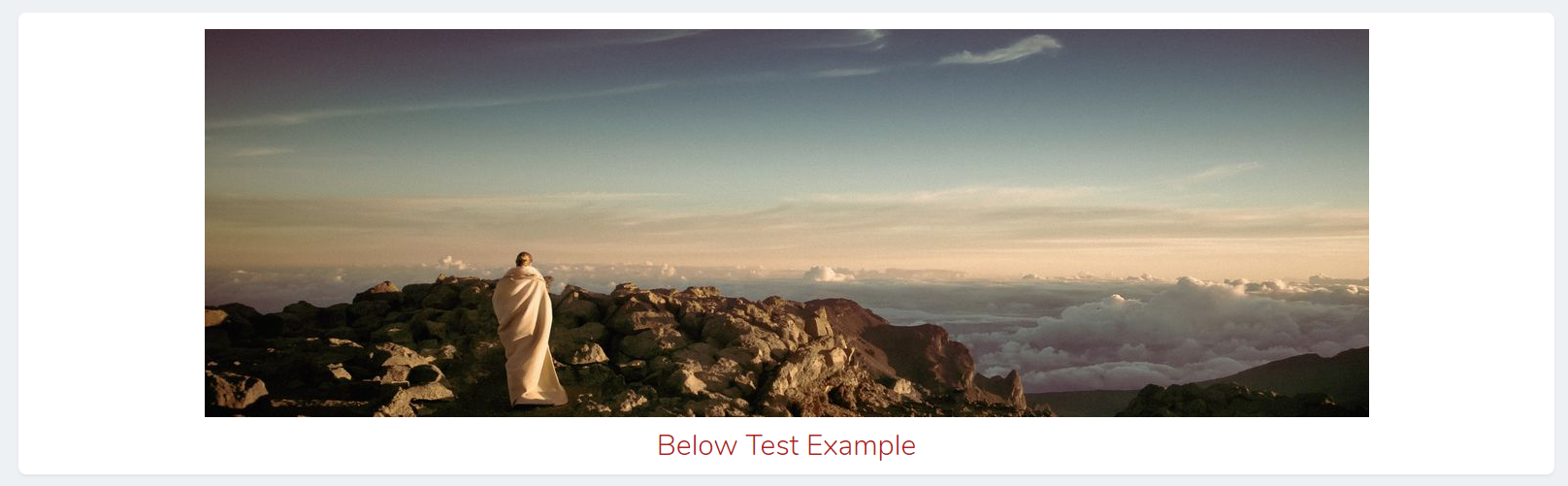
Demo image2:



