
Nova Filterable Metric Cards



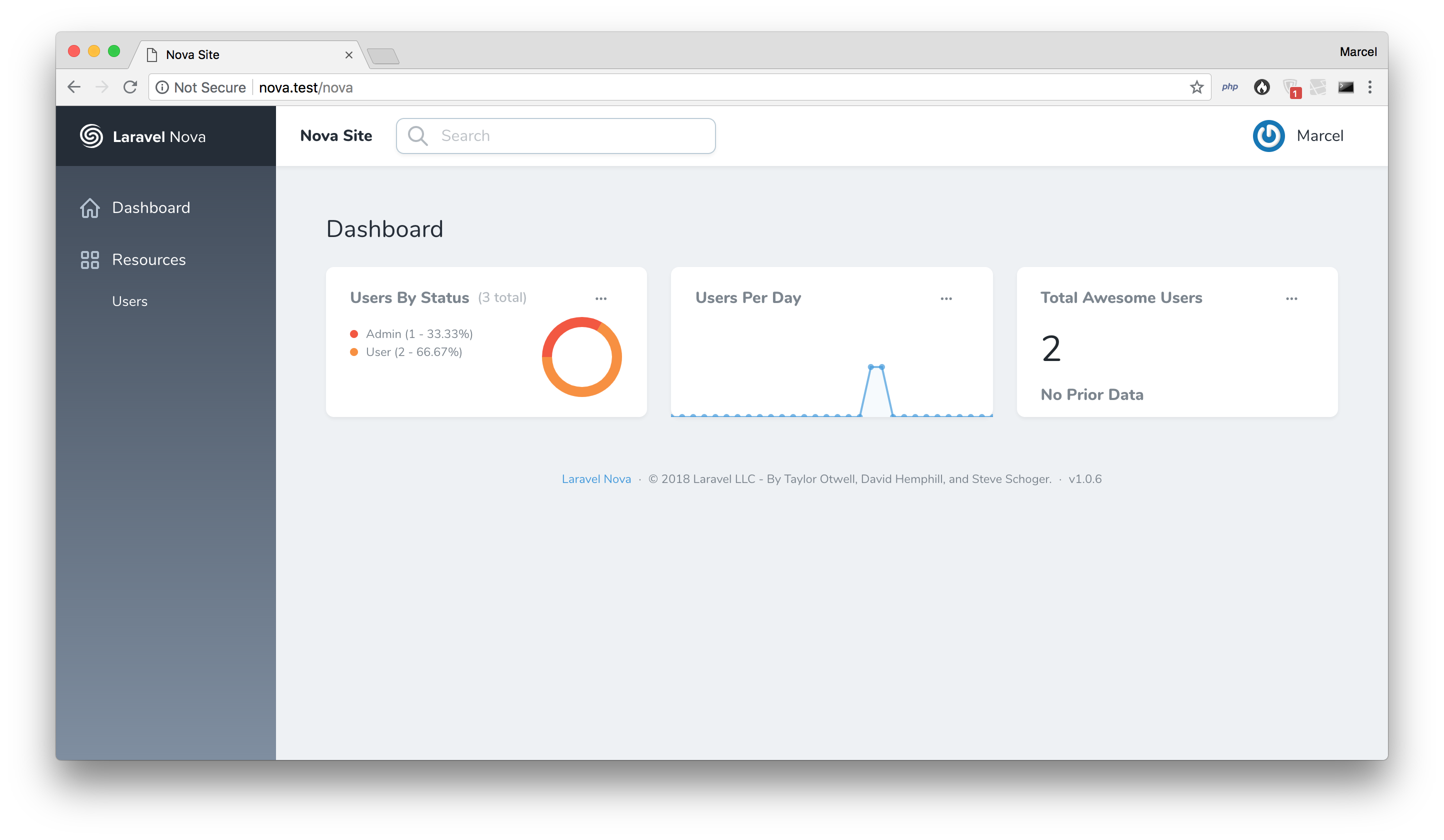
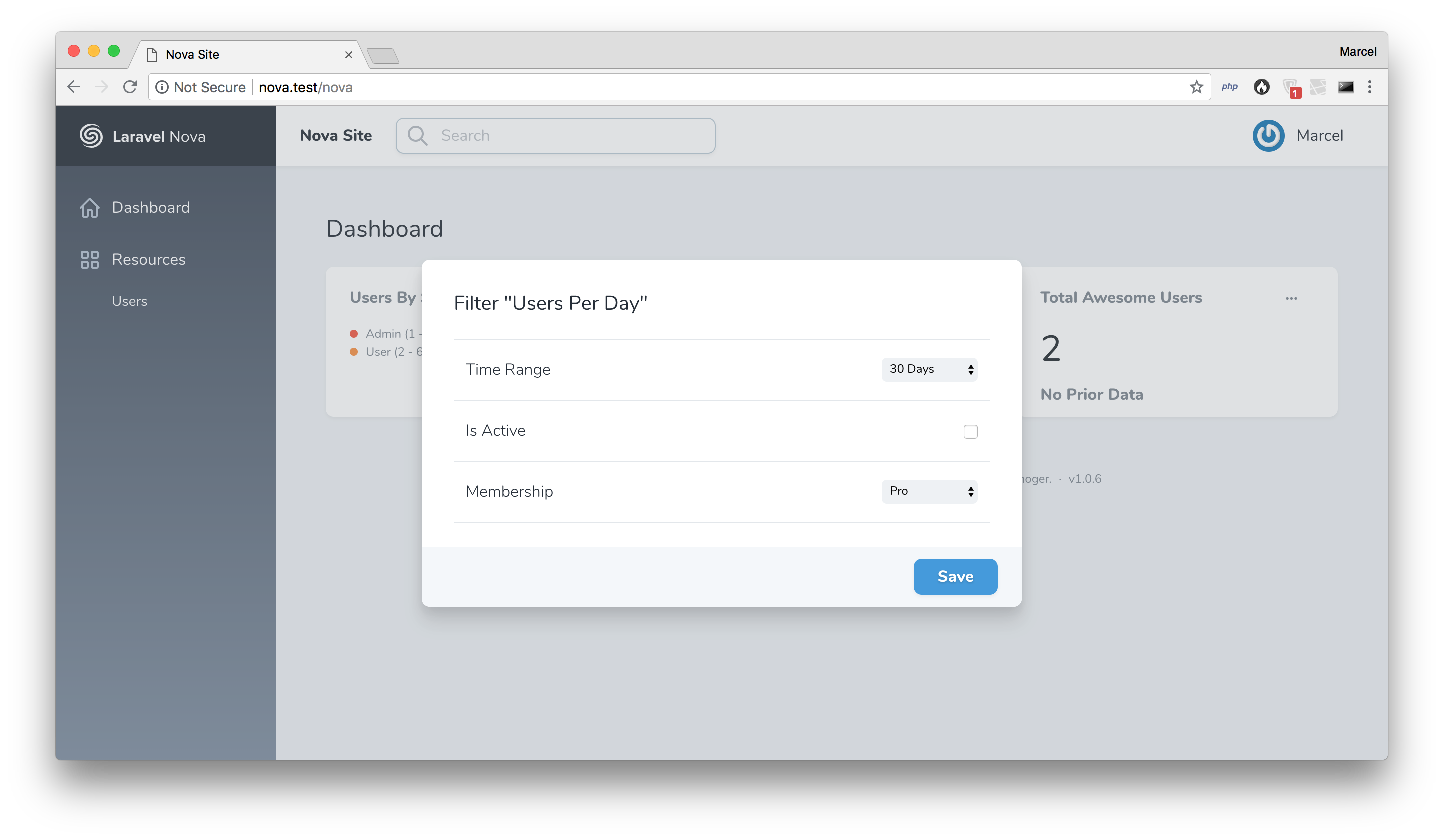
Add custom filters to your Laravel Nova metrics.
Installation
You can install the package in to a Laravel app that uses Nova via composer:
composer require beyondcode/nova-filterable-cardsUsage
To add the filter ability to your Laravel Nova metric cards, you need to add one of the Filterable traits to your metrics.
Depending on your metric type, these are the available traits:
FilterableValueFilterableTrendFilterablePartition
For example, within your custom Nova value metric card:
// in your Nova value metric card class:
import Beyondcode\FilterableCard\FilterableValue;

use FilterableValue;
Defining Filters
The available filters for your cards can be defined, by adding a new property called $filters to your metrics.
This must be an array and contains the names of the available filters, as well as the properties for this specific filter.
Example:
// in your filterable Nova metric card class:

protected $filters = [
	'Firstname' => [
		'type' => 'text'
	],
	'Status' => [
		'type' => 'select',
		'options' => [
			'all' => 'All',
			'active' => 'Active',
			'inactive' => 'Inactive'
		],
	]
];
Defining Filters Using Define Methods
Sometimes you might want to set the available filter options by using a database call, or load them from the configuration.
To enable this, you can also define the filter options using a method with the following naming convention: defineStudlyCaseFilterName.
So for example, if you want to add and define a custom filter called User Status, you can do it like this:
// in your filterable Nova metric card class:

protected $filters = [
	'Firstname' => [
		'type' => 'text'
	],
	'User Status'
];

public function defineUserStatus()
{
	return [
		'type' => 'select',
		'options' => [
			'all' => 'All',
			'active' => 'Active',
			'inactive' => 'Inactive'
		],
	];
}
Available Filter Types
The available filter types are:
selectcheckboxtextemailurlnumber
And all other types that can be applied to HTML <input> tags.
Apply The Filter Logic
To define in which way you want to filter your custom metric query, once a user filters it using the modal, you need to define custom filter methods. The naming convention is similar to defining custom filter options. It's filterStudlyCaseFilterName.
This method receives a query builder object and the value of the filter input. You can add your own queries to the builder class and modify as you need. Just make sure that you return the query object.
Example:
// in your filterable Nova metric card class:

public function filterUserStatus($query, $status)
{
	return $query->where('status', $status);
}
Testing
composer testChangelog
Please see CHANGELOG for more information what has changed recently.
Contributing
Please see CONTRIBUTING for details.
Security
If you discover any security related issues, please email marcel@beyondco.de instead of using the issue tracker.
Credits
License
The MIT License (MIT). Please see License File for more information.
