Nova tool for activity log




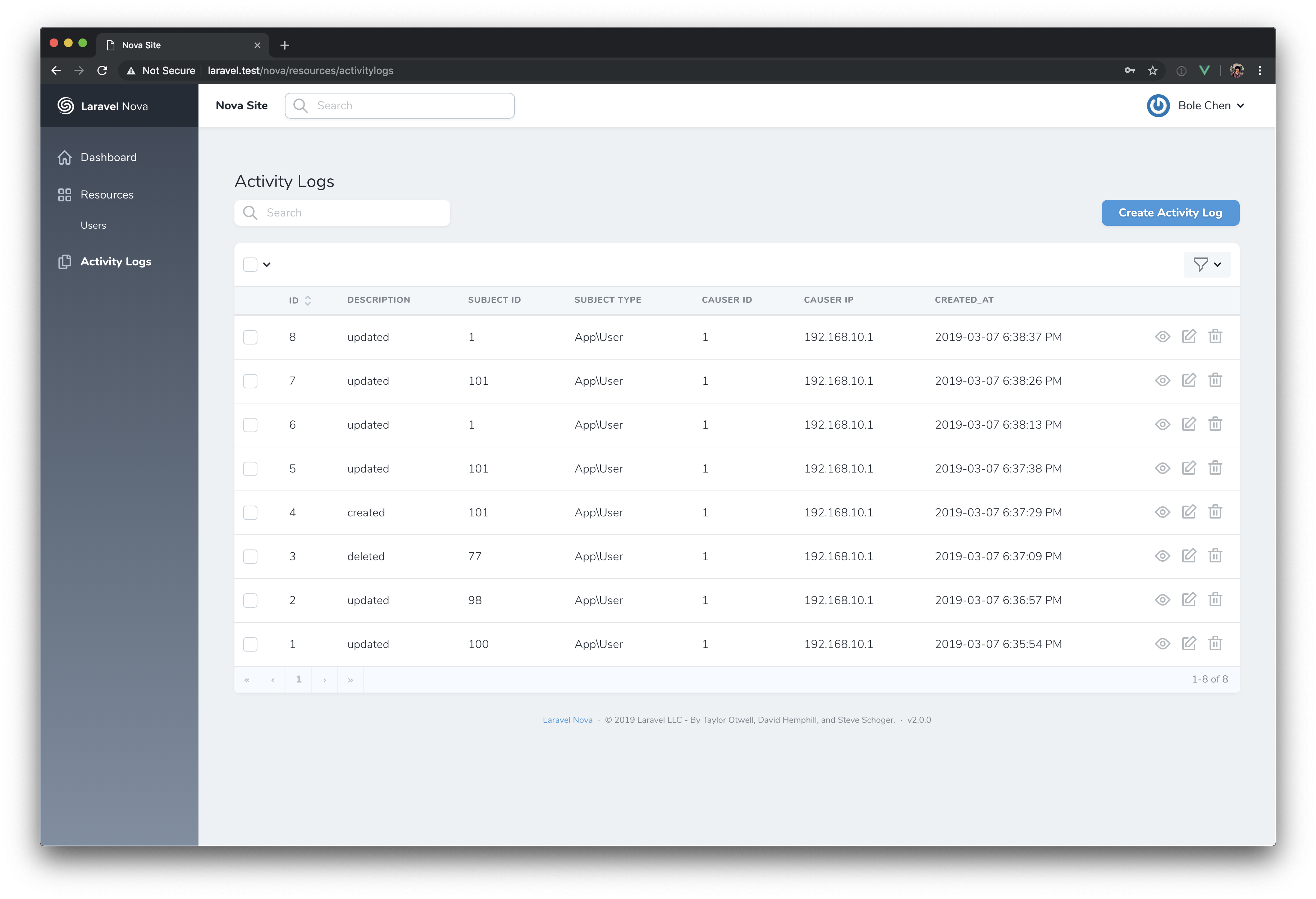
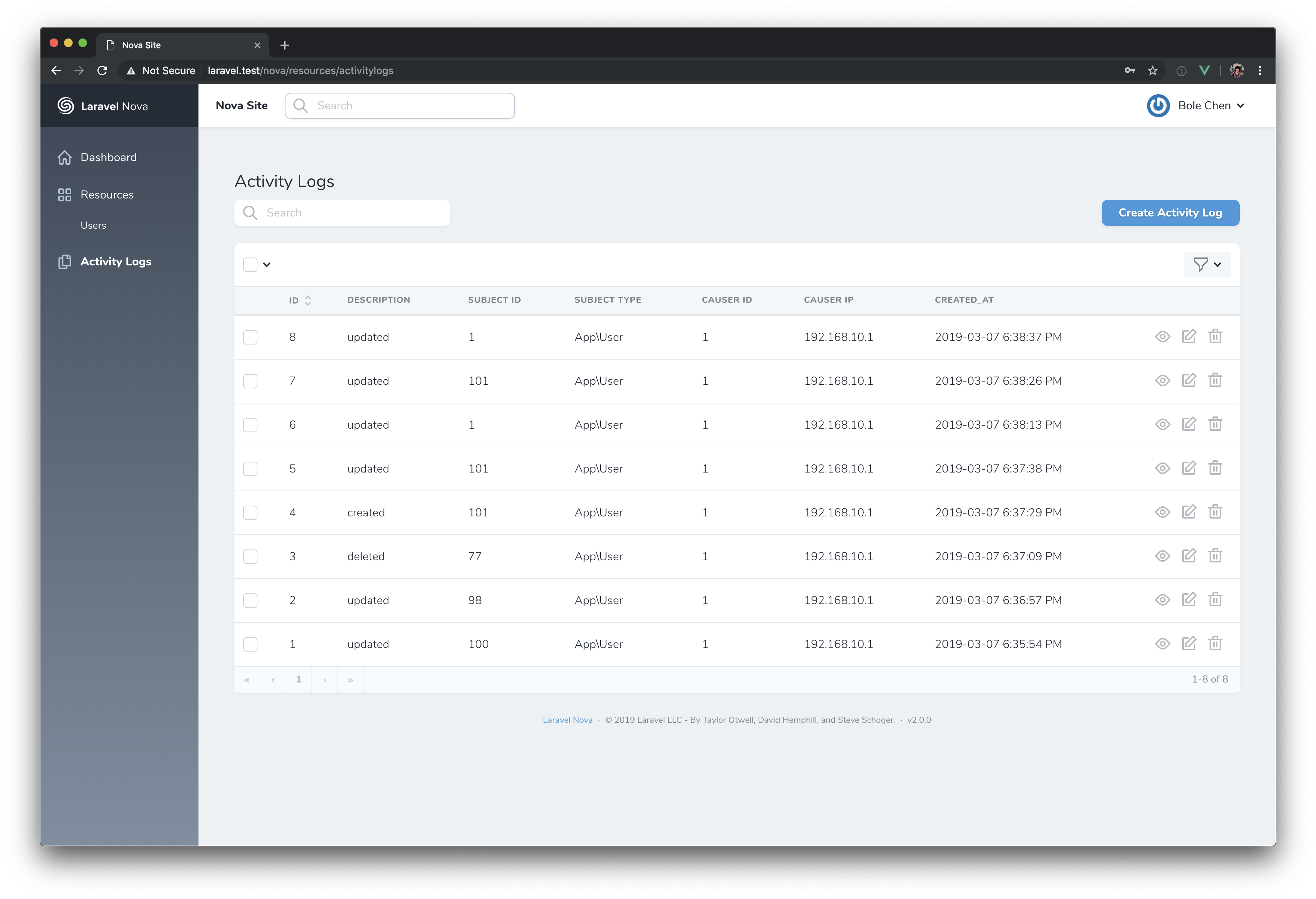
A tool to activity logger to monitor the users of your Laravel Nova.
- Behind the scenes spatie/laravel-activitylog is used.
Installation
You can install the package in to a Laravel app that uses Nova via composer:
composer require bolechen/nova-activitylogYou can publish the migration with:
php artisan vendor:publish --provider="Spatie\Activitylog\ActivitylogServiceProvider" --tag="activitylog-migrations"Note: The default migration assumes you are using integers for your model IDs. If you are using UUIDs, or some other format, adjust the format of the subject_id and causer_id fields in the published migration before continuing.
After publishing the migration you can create the activity_log table by running the migrations:
php artisan migrateYou can optionally publish the config file with:
php artisan vendor:publish --provider="Spatie\Activitylog\ActivitylogServiceProvider" --tag="config"You may only want to log actions from nova, put this line to your .env files let default logger off.
ACTIVITY_LOGGER_ENABLED=falseHow to use
Next up, you must register the tool with Nova. This is typically done in the tools method of the NovaServiceProvider.
// in app/Providers/NovaServiceProvder.php

// ...

public function tools()
{
    return [
        // ...
        new \Bolechen\NovaActivitylog\NovaActivitylog(),
    ];
}
Because the backend uses the spatie/laravel-activitylog package, you need to let your model use the Spatie\Activitylog\Traits\LogsActivity trait.
Here's an example:
use Illuminate\Database\Eloquent\Model;
use Spatie\Activitylog\Traits\LogsActivity;

class NewsItem extends Model
{
    use LogsActivity;

    protected $fillable = ['name', 'text'];

    protected static $logAttributes = ['name', 'text'];
}
For more advanced usage can look at the doc: https://docs.spatie.be/laravel-activitylog/v3/advanced-usage/logging-model-events
Authorizing
Typical usage of tool authorizing using ->canSee() or ->canSeeWhen() when registering the tool will NOT work. To authorize the tool, simply make and register a Laravel policy for the ActivityLog model. If a user is not able to view them according to the policy, the tool will not show.
Customize
If you want to customize the tools. Eg: add filters or cards, you can create your owner resource file extends the original like this:
use Bolechen\NovaActivitylog\Resources\Activitylog;

class Activity extends Activitylog
{
    public function filters(Request $request)
    {
        return [
            // Your customize filters, etc...
            new Filters\LogsType(),
        ];
    }
}
Next up, publish the config file with:
php artisan vendor:publish --provider="Bolechen\\NovaActivitylog\\ToolServiceProvider" --tag="config"And change the resource in config/nova-activitylog.php to your custom nova resource.
License
The MIT License (MIT). Please see License File for more information.