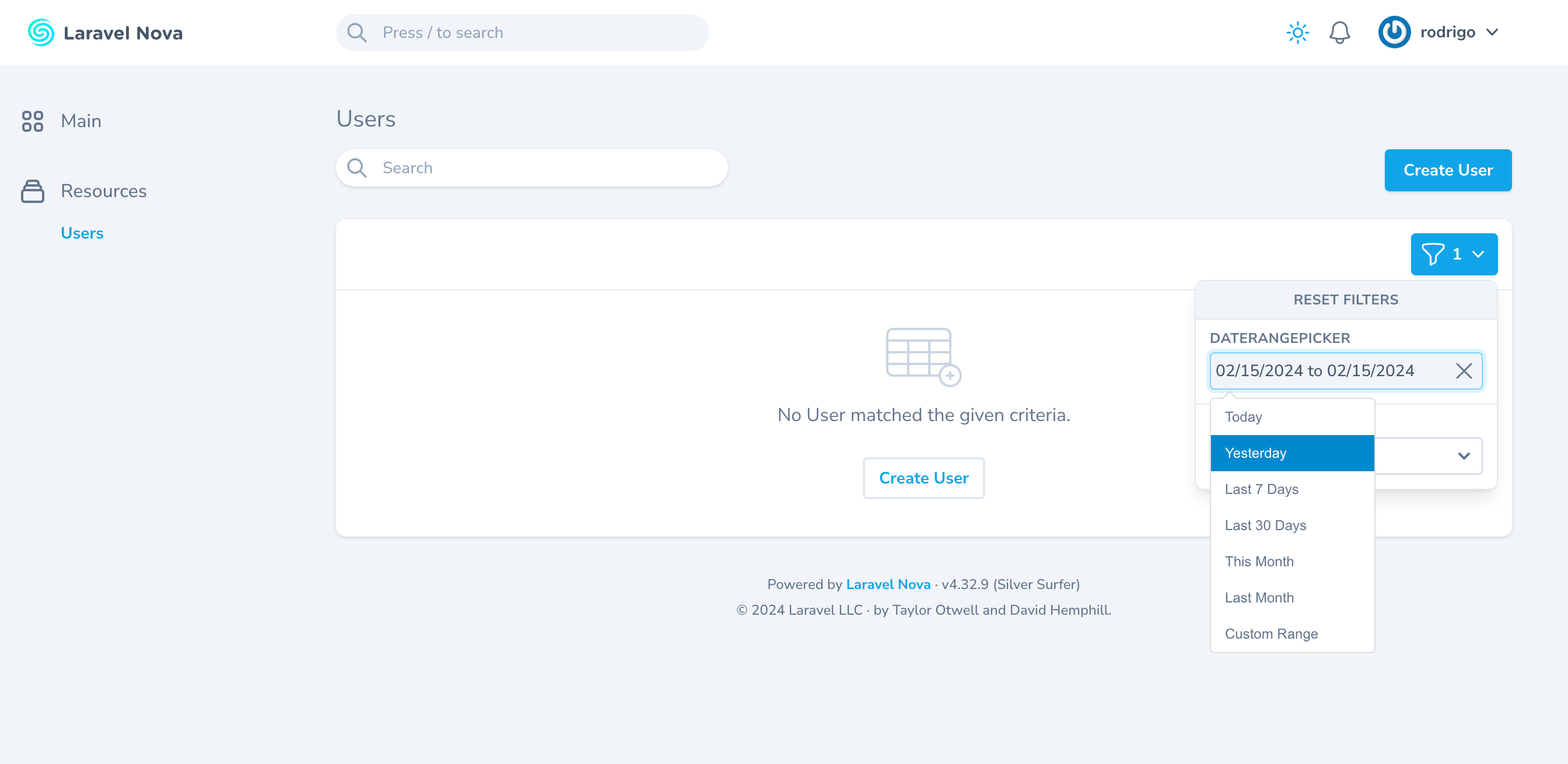
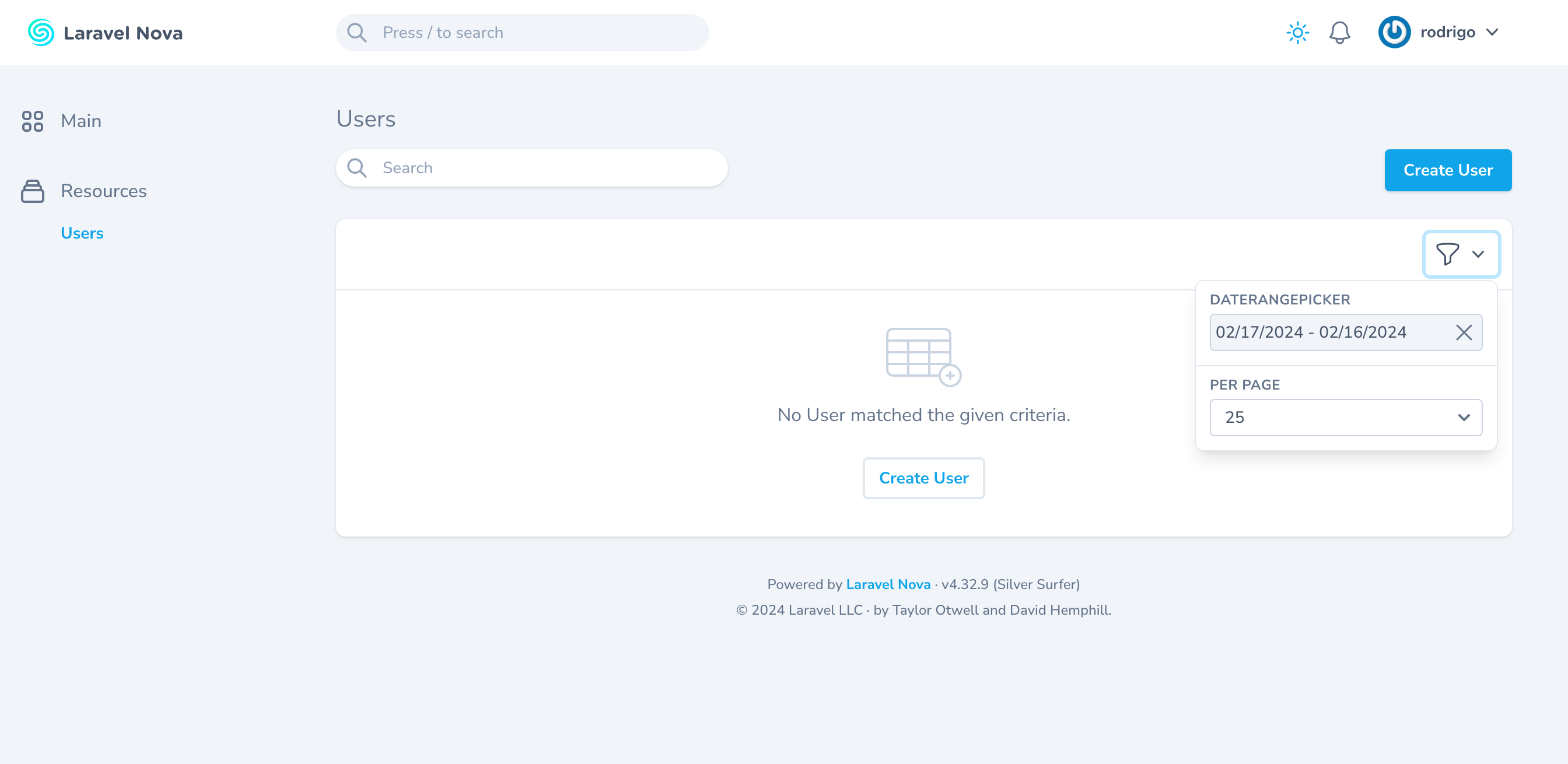
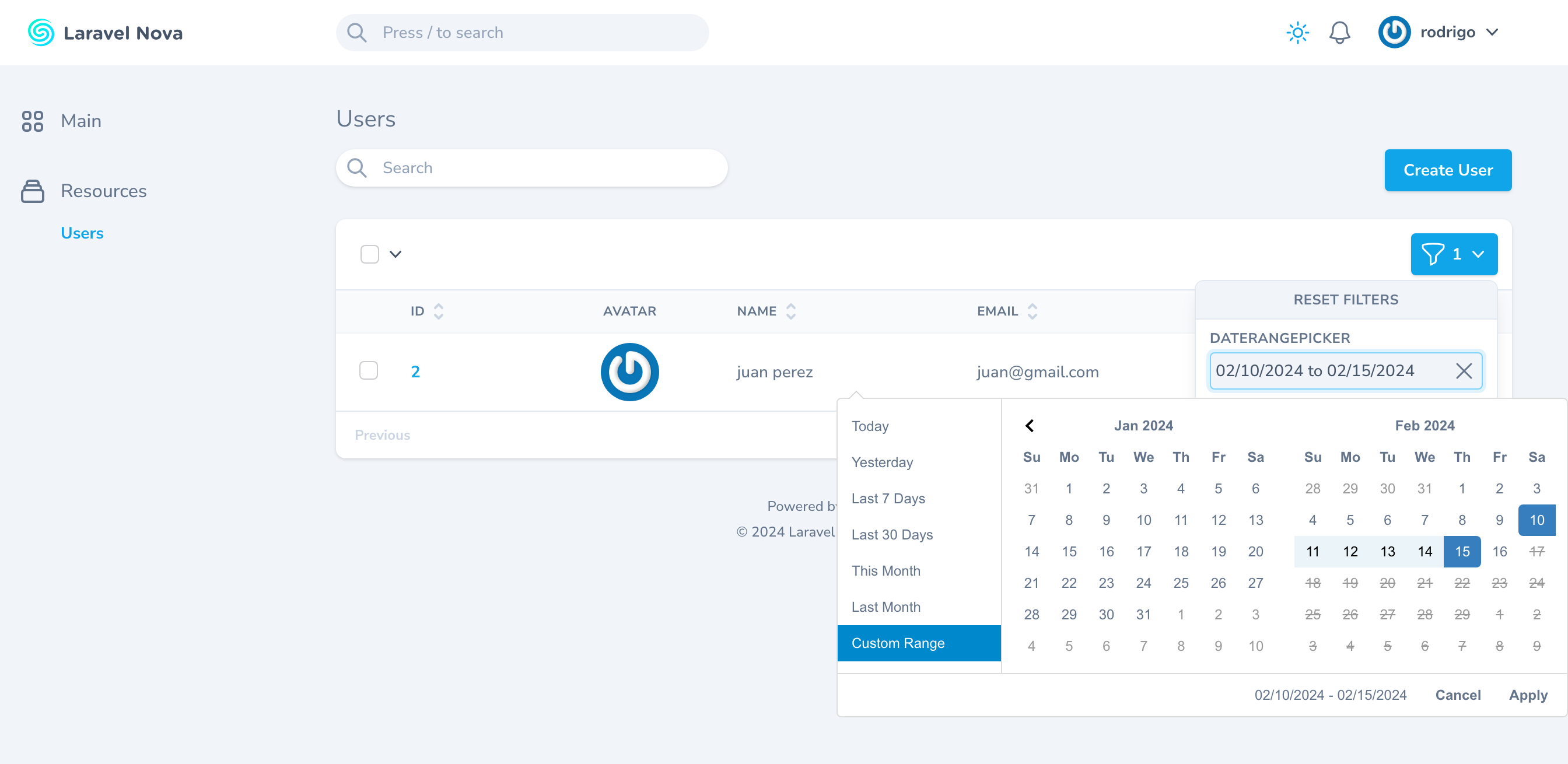
Simple Date Range Filter for Laravel Nova 4
A filter for Nova 4 that displays a Date Range Picker instead of a single date picker using Daterangepicker library
Install
Run this command in your nova project:
composer require rpj/daterangepicker
How to use
In your Nova resource, just add DateRangeFilter class in the filters function, and include the column(s) that you would like to use as filter the resource.
 use Rpj\Daterangepicker\Daterangepicker;

 public function filters(Request $request)
    {
        return [
            new Daterangepicker('created_at'),
        ];
    }
Column name can be a string or an array of strings with two items. Otherwise an exception will be fired.
 use Rpj\Daterangepicker\Daterangepicker;

 public function filters(Request $request)
    {
        return [
            new Daterangepicker(['created_at', 'updated_at']),
        ];
    }
Also, you can pass a string with default date range to use in the component. If no value is passed, TODAY value is set as default, but if you want to remove the date filter to show all records, you can use DateHelper::ALL
Additionally, we added a custom date range picker that allows user to specify the column to order by with its value and as well as in the case of a joined table to prevent ambiguous mysql error, you can specify the actual table name to know the actual column you are referring to. this takes, the column to check the date range picker and as well as the column to order by with the asc/desc direction.
use Rpj\Daterangepicker\Daterangepicker;
use Rpj\Daterangepicker\DateHelper;

public function filters(Request $request)
{
    return [
        new Daterangepicker('users.created_at', DateHelper::THIS_WEEK, 'users.name', 'desc'),
    ];
}
Finally, we have added the option to set a custom pre set dates using Carbon class. Also you can set a min and max date for the date range component.
use Rpj\Daterangepicker\Daterangepicker;
use Rpj\Daterangepicker\DateHelper;
use Carbon\Carbon;

public function filters(Request $request)
{
    return [
        (new Daterangepicker(
            'users.created_at',
            DateHelper::THIS_WEEK,
            'users.name',
            'desc'
        ))
        ->setRanges([
            'Today' => [Carbon::today(), Carbon::today()],
            'Yesterday' => [Carbon::yesterday(), Carbon::yesterday()],
            'This week' => [Carbon::now()->startOfWeek(), Carbon::now()->endOfWeek()],
            'This month' => [Carbon::now()->startOfMonth(), Carbon::now()->endOfMonth()],
            'Last month' => [Carbon::now()->subMonth()->startOfMonth(),Carbon::now()->subMonth()->endOfMonth()],
        ])
        ->setMaxDate(Carbon::today())
        ->setMinDate(Carbon::today()->endOfYear()),
    ];
}