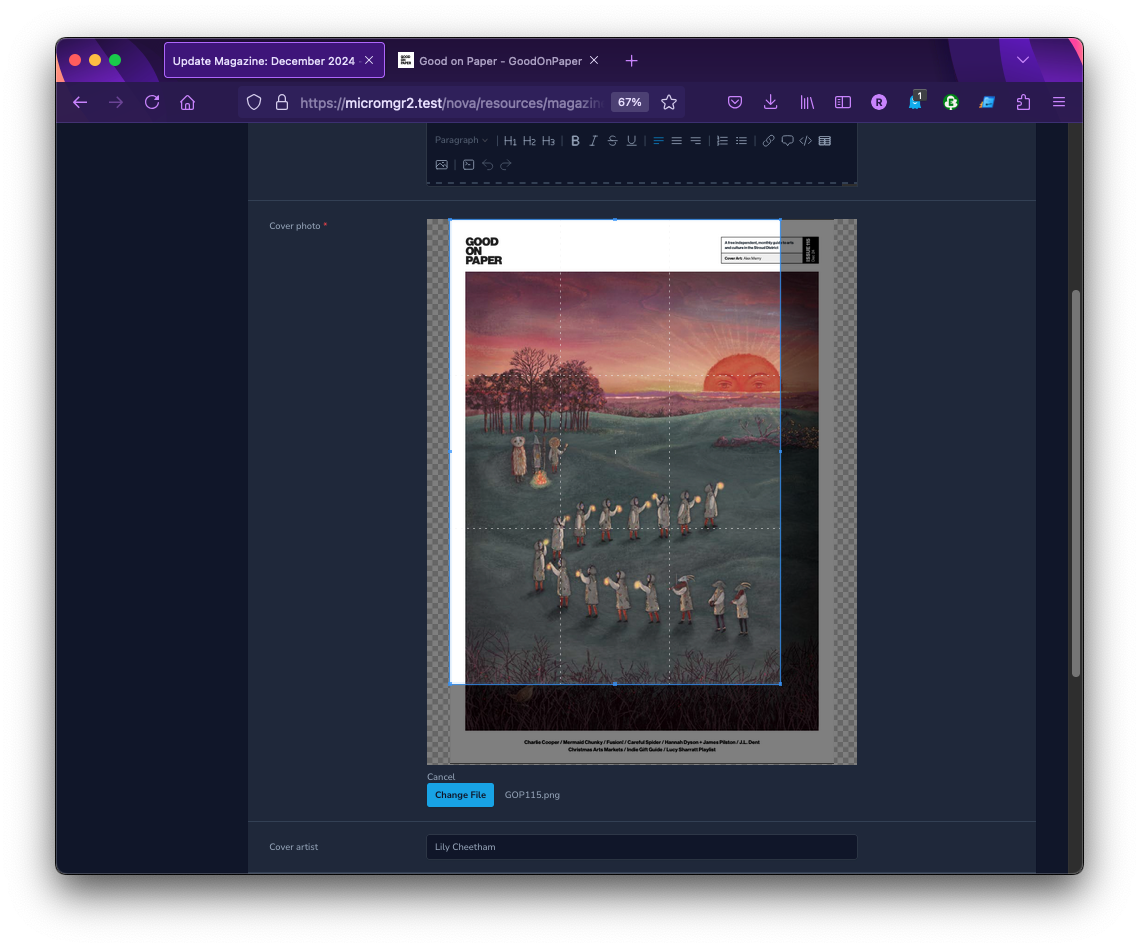
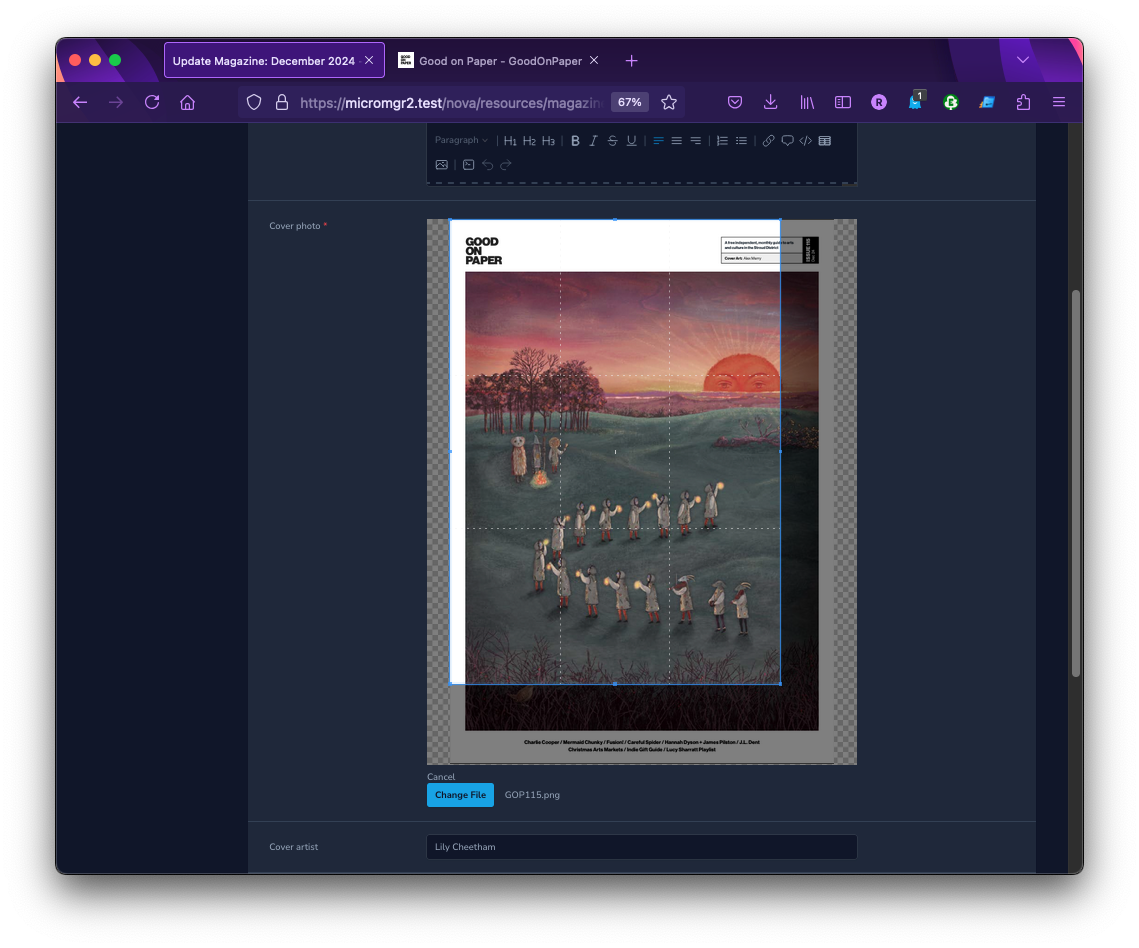
Nova5 Image Cropper Field (formerly Nova advanced image field)
This package provides an advanced image field for Nova 5 resources allowing you to upload, crop and resize any image. It uses Cropper.js with vue-cropperjs in the frontend and Intervention Image in the backend.
This version has been updated to use the current v3 build of Intervention/Image and has increased compatibility with Laravel Nova version 5.
It has been renamed to Nova5 Image Cropper to make it easier for Nova 5 users to find a tool to meet their image cropping needs.
Requirements
This package requires one of the following libraries:
- GD Library >=2.0 (used by default)
- Imagick PHP extension >=6.5.7
See Intervention requirements for more details.
Installation
Install the package into a Laravel application with Nova using Composer:
composer require ultrasimplified/nova5-image-cropperIf you want to use Imagick as the default image processing library, follow the Intervention documentation for Laravel.
TL;DR: run the following command in the root folder of your site.
php artisan vendor:publish --provider="Intervention\Image\Laravel\ServiceProvider"
This will provide you with a new configuration file (config/image.php) where you can specify your preferred driver.
Usage
ImageCropper extends from File so you can use any methods that File implements. See the documentation here.
<?php

namespace App\Nova;

// ...
use Ultrasimplified\ImageCropper\ImageCropper;

class Post extends Resource
{
    // ...

    public function fields(Request $request)
    {
        return [
            // ...

            // Simple image upload
            ImageCropper::make('photo'),

            // Show a cropbox with a free ratio
            ImageCropper::make('photo')
                ->croppable(),

            // Show a cropbox with a fixed ratio
            ImageCropper::make('photo')
                ->croppable(16/9),

            // Resize the image to a max width
            ImageCropper::make('photo')
                ->resize(1920),

            // Resize the image to a max height
            ImageCropper::make('photo')
                ->resize(null, 1080),

            // Show a cropbox and resize the image
            ImageCropper::make('photo')
                ->croppable()
                ->resize(400, 300),

            // Override the image processing driver for this field only
            ImageCropper::make('photo')->driver('imagick')->croppable(),

            // Convert the file to a different format
            ImageCropper::make('photo')
                ->convert('webp')

            // Store to AWS S3
            AdvancedImage::make('photo')
                ->disk('s3'),

            // Specify a custom subdirectory
            ImageCropper::make('photo')
                ->disk('s3')
                ->path('image'),
        ];
    }
}
The resize option uses Intervention Image resize() with the upsize and aspect ratio constraints.
Security
If you discover any security related issues, please email robin@ultrasimplified.com instead of using the issue tracker.
Credits
License
The MIT License (MIT). Please see License File for more information.